Skip to content

Private. Offline. Yours.

Own your vehicle history

Track service, mileage, fuel, documents, and reminders for every car in the household — with cost-of-ownership summaries and data that stays on your computer.

One-time purchase (no subscriptions) · $39.99 · 30-day trial · See all pricing

Data on your Windows PC Works completely offline Desktop productivity No subscriptions
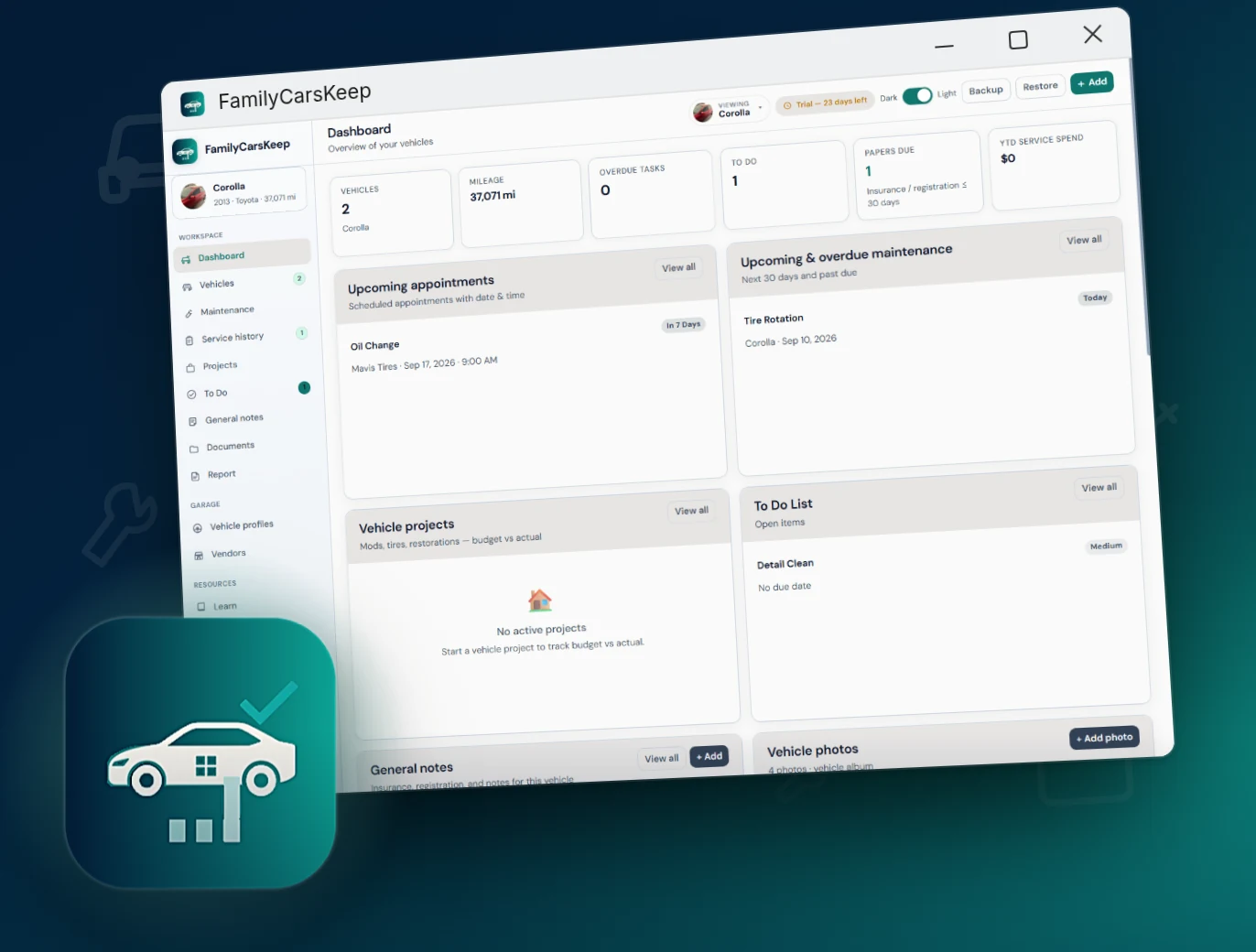
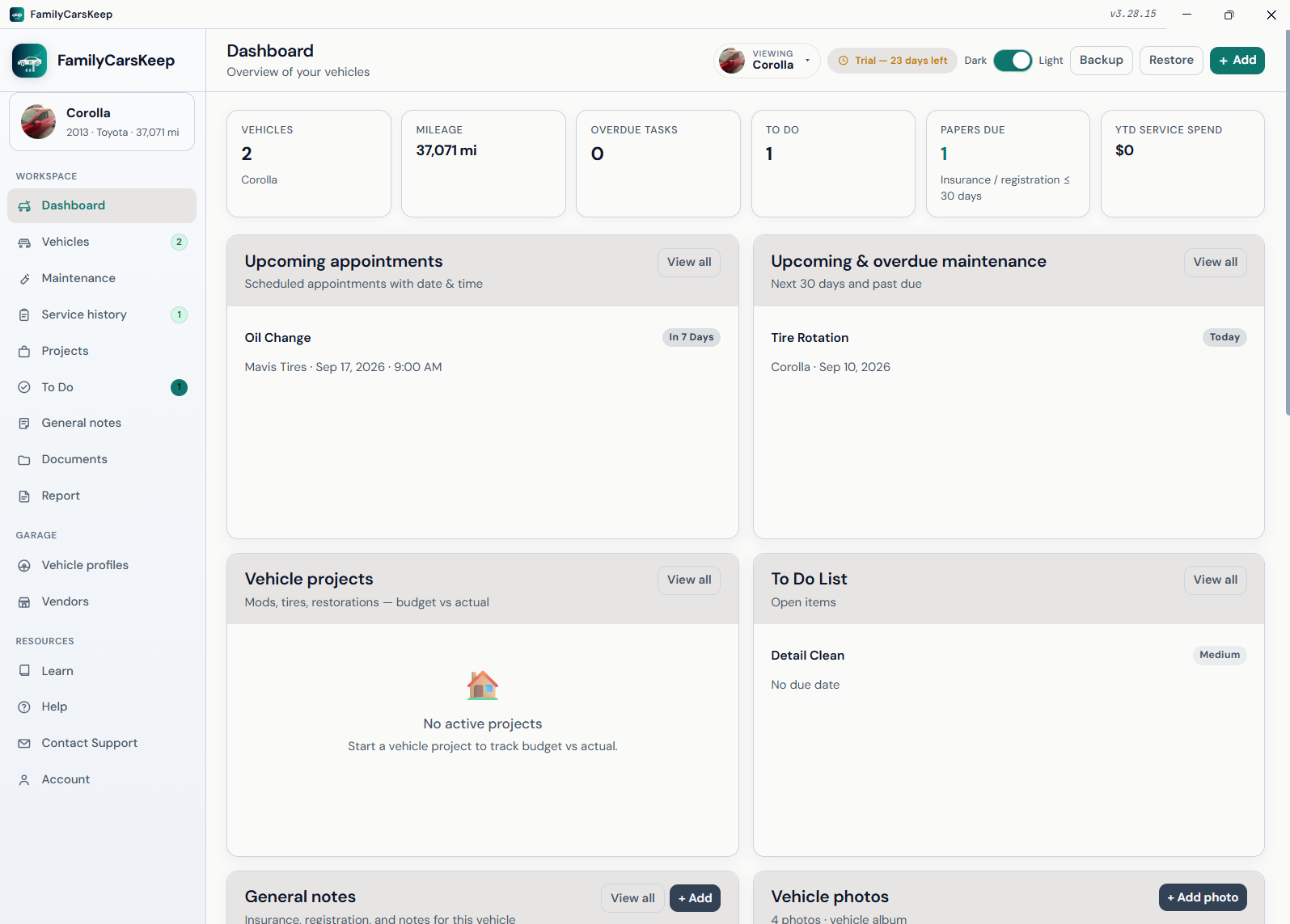
FamilyCarsKeep Windows app with vehicle maintenance history, mileage, and service records

Core pillars

One-time purchase No subscriptions. Buy once, own forever.
Data on your Windows PC Vehicle history stays local — no forced cloud.
Works completely offline Full logging without an internet connection.
Desktop productivity Large screens, fast entry, multi-window workflows.

Everything you need for lifelong vehicle records

Built for owners who want organized service history — Private. Offline. Yours. One-time purchase, data on your PC, completely offline, designed for desktop productivity.

Multi-vehicle profiles

One timeline per car or motorcycle. Switch vehicles for history, reminders, and documents without mixing records.

Service & mileage history

Log oil changes, tire rotations, repairs, and DIY work with mileage and receipts so you always know what was done and when.

Smart maintenance reminders

Reminders by mileage or time for service intervals, registration renewals, and insurance end dates.

Fuel & expenses

Track fill-ups and costs with efficiency charts — useful when comparing vehicles or selling one.

Documents & expirations

Store registration, insurance, and title files with expiration alerts so renewals don’t sneak up on you.

Photos & cost of ownership

Condition photo logs for insurance or resale, plus cost-of-ownership summaries across the life of each vehicle.

Complete capabilities

A full map of what FamilyCarsKeep can do — aligned with the current Windows app.

Vehicle profiles

  • Profile per car or motorcycle
  • Switch vehicles for history, reminders, and documents
  • Household fleet in one Windows app
  • Keep each vehicle’s timeline separate

Service & mileage history

  • Oil changes, tire rotations, repairs, and DIY work
  • Mileage at the time of service
  • Receipts attached to the job
  • A complete record of what was done and when

Smart reminders

  • Trigger by mileage or by time
  • Maintenance intervals you set
  • Registration renewal alerts
  • Insurance end-date alerts

Fuel & expenses

  • Log fill-ups and other vehicle costs
  • Efficiency charts over time
  • Compare vehicles in a household fleet
  • Feeds cost-of-ownership summaries

Documents hub

  • Registration, insurance, and title storage
  • Expiration alerts on time-sensitive papers
  • Keep files with the vehicle they belong to

Photo condition logs

  • Condition photos over the life of the vehicle
  • Useful for insurance claims
  • Useful when preparing a vehicle for sale

Cost of ownership

  • Summaries across service, fuel, and expenses
  • True cost when selling or comparing vehicles
  • Per-vehicle totals in a household fleet

Export when you choose

  • Records stay on your Windows PC until you export
  • Share history with a mechanic, insurer, or buyer
  • No cloud account required

Account, license & application

  • 30-day free trial from install date
  • One-time purchase — no subscription required
  • Lifetime license after activation

Platform & packaging

  • Native Windows 11 desktop app
  • Works completely offline
  • Ownership organizer for you — not dealer or shop software

At-a-glance capability matrix

Quick reference for product pages, sales one-pagers, and store listings.

Area What you can do Highlights
Vehicles Keep a profile per car or motorcycle Switch · household fleet
Service log Record shop and DIY work with mileage and receipts Oil · tires · repairs
Reminders Stay ahead of service, registration, and insurance Mileage or time
Fuel Log fill-ups and watch efficiency trends Charts · expenses
Documents Store registration, insurance, and title files Expiration alerts
Photos Keep condition logs for claims or resale Insurance · sale
Ownership cost See true cost across service, fuel, and expenses Per-vehicle summaries
Export Hand records to a mechanic, insurer, or buyer You choose when
Privacy Local-only storage; no cloud account required Offline-first
License 30-day trial; permanent unlock with key One-time $39.99

What you can log

A maintenance timeline built for real vehicles — not a generic expense list.

Oil changes Tire rotations Repairs DIY work Fuel Mileage Registration Insurance Title Condition photos

Why drivers choose FamilyCarsKeep

Real benefits for keeping a vehicle organized — grounded in what the app actually does.

Never miss an oil change

Reminders by mileage or time keep service intervals, registration, and insurance dates on the calendar.

Know what was done and when

Oil, tires, repairs, and DIY work sit on one timeline with mileage and receipts — ready for a mechanic or a buyer.

See true cost of ownership

Fuel, expenses, and service costs roll into summaries — useful when selling a car or comparing vehicles in a household fleet.

Keep papers from expiring

Registration, insurance, and title files live with each vehicle, with alerts before they lapse.

Privacy you control

No cloud account required. History stays on your Windows PC. Export only when you need records for someone else.

One-time price

$39.99 lifetime license after a 30-day trial — no subscription tax for owning your vehicle history.

Privacy-first by architecture

FamilyCarsKeep is designed so your vehicle’s maintenance history never has to leave your household.

Local storage Data lives on your Windows PC — not in a required cloud account.
No forced cloud Works completely offline. Export only when you choose.
You own the records Hand history to a mechanic, insurer, or buyer when you need to.

Who it’s for

Built for owners, households, and anyone getting a vehicle ready to sell.

  • Owners of one or more vehicles who want a single maintenance timeline
  • Households sharing cars and needing clear service and cost history
  • Anyone preparing a vehicle for sale or insurance claims with organized records

FAQ

Can I track more than one car or motorcycle?

Yes. Create a profile per vehicle and switch between them for history, reminders, and documents.

Does FamilyCarsKeep need internet?

No. It is offline-first. You only need a connection if you choose to email or export files yourself.

Is this a substitute for dealer software?

FamilyCarsKeep is an ownership and maintenance organizer for you — not a shop management system. Bring exported history to any service provider.

Also from AppsKeep

FamilyHealthKeep for general health · TeethKeep for dental · PetsKeep for pets · HavenKeep for house maintenance · AccumulatusKeep for papers · Bundle pricing

Own your vehicle history

One-time license for the Windows 11 app — keep service, mileage, and documents organized for life.

Includes 30-day free trial · Works offline · ASLAN Solutions, Inc.

FamilyCarsKeep is a personal record-keeping and educational tool. It does not provide mechanic, dealer, legal, financial, or insurance advice. Always consult qualified professionals for vehicle decisions.