
Skip to content
FamilyDocsKeep

Private. Offline. Yours.

Your family’s document vault

Keep passports, insurance cards, deeds, and scans in one place — with categories, expiry dates, and search. The files stay on your computer.

One-time purchase (no subscriptions) · $19.99 · 30-day trial · See all pricing
Data on your Windows PC Works completely offline Desktop productivity No subscriptions
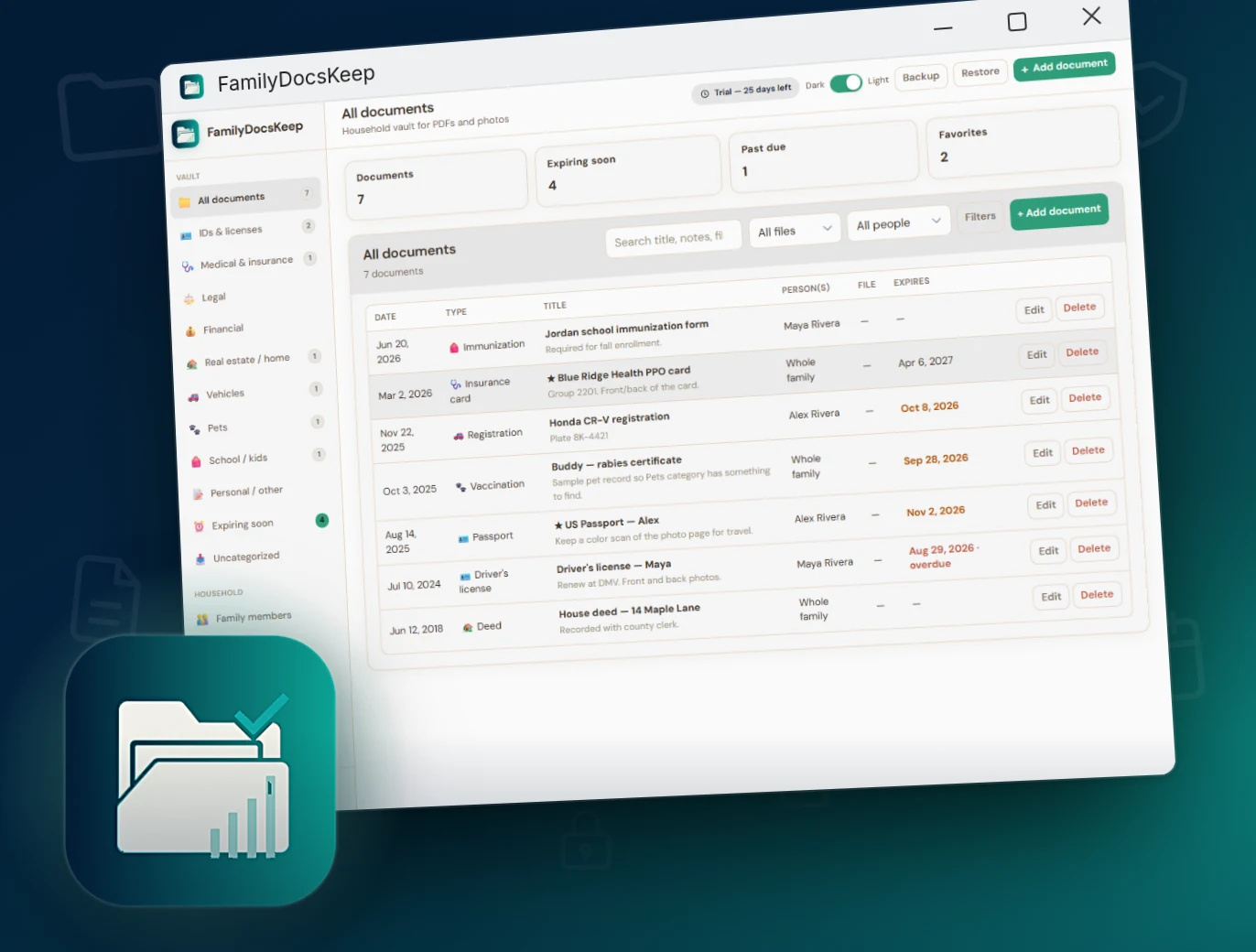
FamilyDocsKeep for Windows — a private household vault for PDFs and photos

Windows app

Household vault

A snapshot of the papers on this PC — document count, items expiring soon, past-due dates, and favorites — with category folders down the side.
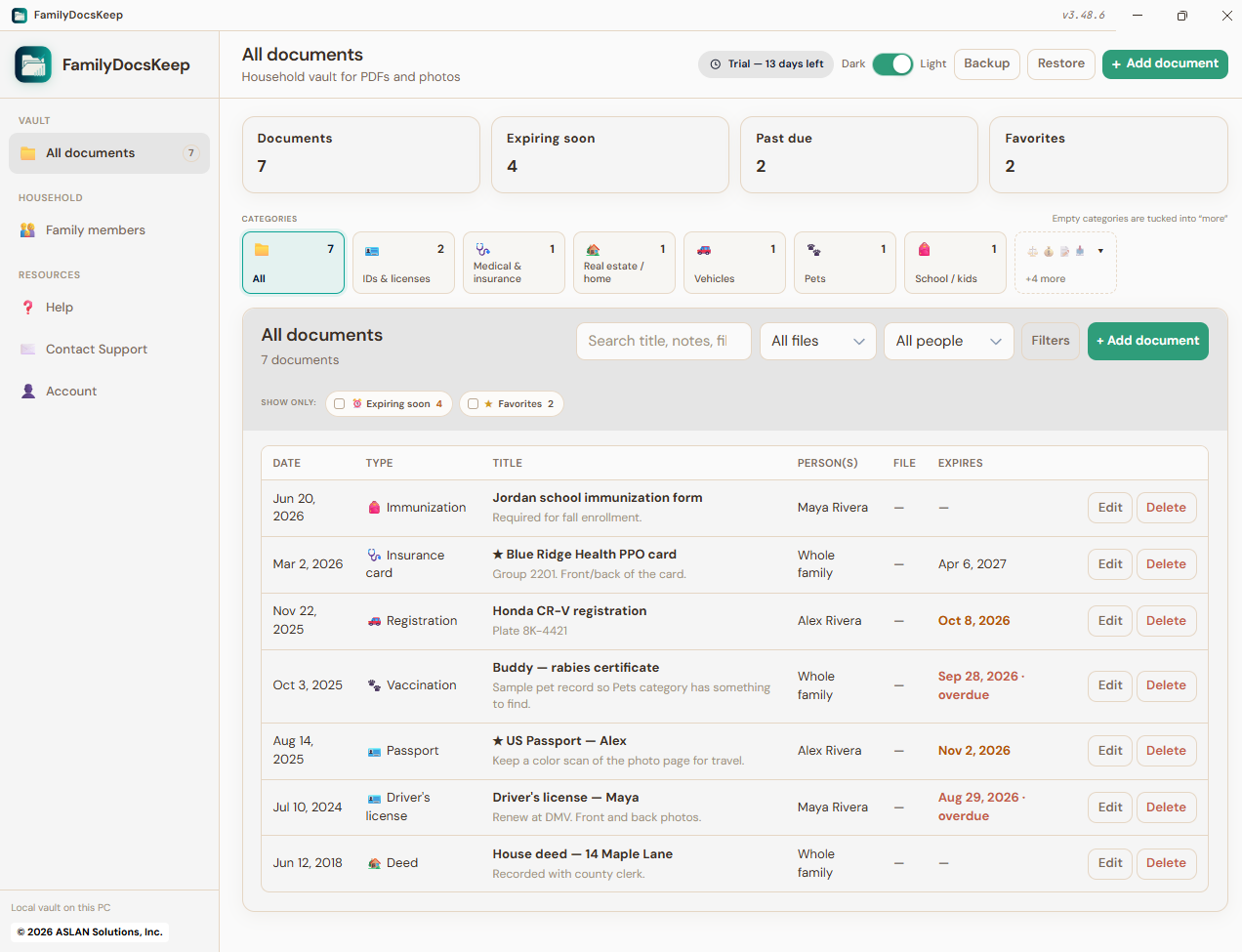
FamilyDocsKeep vault with document list, categories, and expiry status

Everything you need for household papers

Built for families who want their important papers organized and easy to find.

PDFs and photos

Attach PDF, JPG, PNG, or WebP files to one document, so the front and back of a card or a scan plus a photo stay together.

Fixed categories

IDs, medical, legal, financial, home, vehicles, pets, school, and personal — plus Uncategorized until you file it.

Expiring soon

Renew before it lapses. Passports, licenses, registrations, and policies with an expiry date show up in a smart view, along with anything already past due.

Family members

Assign one or more people, or mark a paper as Whole family. Each person has a photo, relationship, and notes.

Search and filters

Find by title, notes, subtype, filename, or person. Narrow by PDF or photo, date range, expiry, and favorites.

Private on your PC

Files live under FamilyDocsKeepData/. Create a full ZIP backup anytime. Nothing is uploaded to our servers.

Categories you can file

Fixed folders with counts in the sidebar. Expiring soon works across every category.

IDs & licenses Medical & insurance Legal Financial Real estate / home Vehicles Pets School / kids Personal / other Uncategorized

Complete capabilities

Every feature in FamilyDocsKeep, grouped by area.

See all features ▾

Documents

  • Add, edit, and delete household documents
  • Title, category, and subtype / tag
  • Document date and expiry / renewal date
  • Notes (up to 4,000 characters)
  • Favorite flag
  • Assign one or more people, or Whole family
  • Multiple files per document (PDF, JPG, PNG, WebP)
  • Vault counts: documents, expiring soon, past due, favorites

Categories & subtypes

  • Ten fixed categories with sidebar counts
  • Suggested subtypes per category (Passport, Deed, Title…)
  • Subtype is a free-text tag — you can type your own
  • Uncategorized inbox for files you have not filed yet
  • Color-coded category labels in the list

Expiring soon

  • Smart view for dated papers
  • Window: 30, 60, 90, or 180 days (default 60)
  • Includes documents already past due
  • Sidebar badge for the expiring count
  • Set on Account and remembered on this PC

Family members

  • Name, relationship, photo, avatar color, notes
  • Relationship: Self, Spouse, Partner, Child, Parent, Sibling, Grandparent, Other
  • Assign several people to one document
  • Whole family option for shared papers
  • Mark someone inactive so they drop out of default filters
  • Show inactive when you need them

Viewers

  • In-app PDF viewer
  • Download a PDF back out of the vault
  • Photo lightbox with zoom and pan
  • Open files without leaving the app

Backup & restore

  • Full ZIP backup (JSON data + PDFs + photos)
  • Restore from a ZIP or JSON file
  • Merge into the current vault, or replace it
  • Open the data folder from Account
  • Stored under local FamilyDocsKeepData

Account, license & application

  • Owner name and email
  • 30-day free trial from install date
  • License activation (offline keys)
  • Expiring-soon window on the account page
  • Light / Dark theme toggle (remembered)
  • Responsive sidebar navigation
  • In-app Help and Contact Support
  • Privacy and Terms in-app pages
  • First launch: sample household or empty vault
  • Native Windows 11 desktop app (x64)
  • One-time purchase — no subscription required

Privacy-first by architecture

FamilyDocsKeep is designed so your household’s papers never have to leave your computer.

Local storage Data lives in FamilyDocsKeepData/ on your Windows PC — not in a required cloud account.
No forced cloud Works completely offline. Export only when you choose.
You own the files Find, print, or share a document only when you choose.

Also from AppsKeep

FamilyHealthKeep for general health · FamilyTeethKeep for dental · PetsKeep for pets · FamilyHomeKeep for house maintenance · FamilyCarsKeep for vehicles · Bundle pricing

Own your family’s document vault

One-time license for the Windows 11 app — keep household papers organized on your PC.

Includes 30-day free trial · Works offline · ASLAN Solutions, Inc.

FamilyDocsKeep stores copies of your papers. It does not provide legal, tax, medical, or insurance advice. Keep originals where the law or the issuer requires them.