Skip to content

Private. Offline. Yours.

Own your smile history

Track procedures, appointments, X-rays, family records, and costs in one place — with an interactive dental chart and data that stays on your computer.

One-time purchase (no subscriptions) · $39.99 · 30-day trial · See all pricing
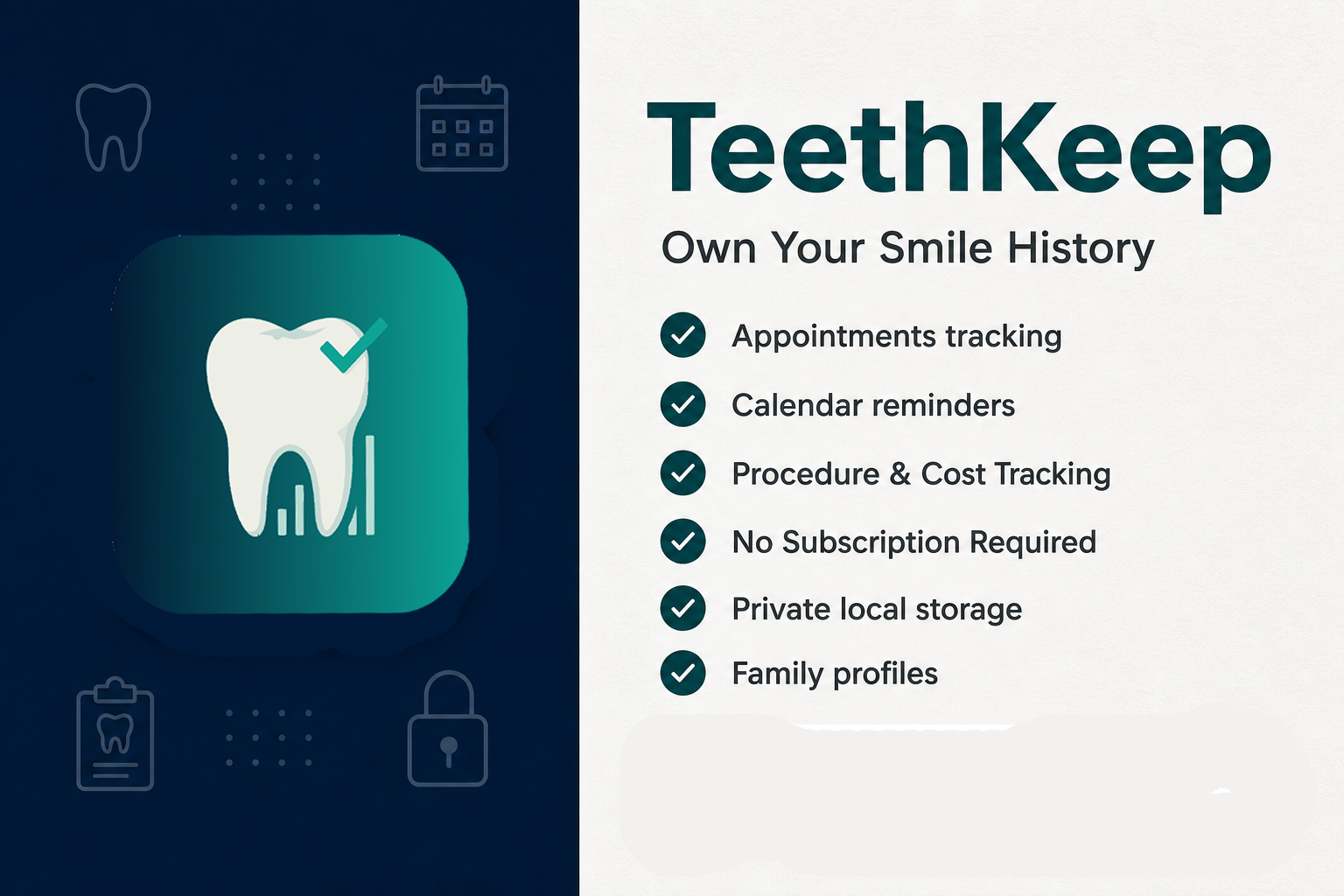
Data on your Windows PC Works completely offline Desktop productivity No subscriptions
TeethKeep Windows app with dental chart and care records

Core pillars

One-time purchase No subscriptions. Buy once, own forever.
Data on your Windows PC Dental records stay local — no forced cloud.
Works completely offline Full charting without an internet connection.
Desktop productivity Large screens, fast entry, multi-window workflows.

Windows app

Chart & teeth

Interactive upper and lower arches, color-coded status, and a per-tooth history panel — on your PC.
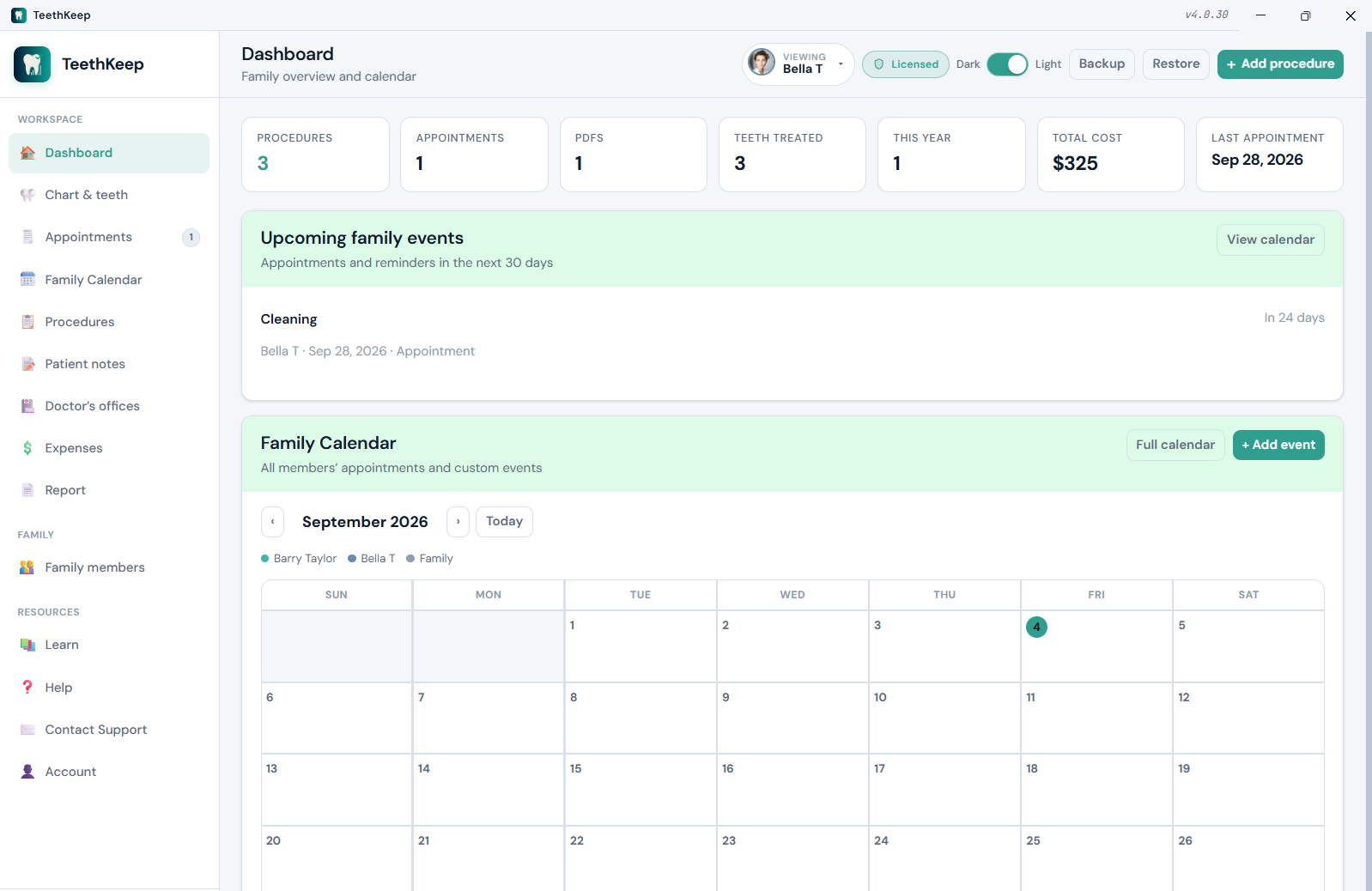
TeethKeep Chart & teeth view with interactive dental chart and tooth history

Everything you need to own your dental history

Built for households who want lifelong, organized records — Private. Offline. Yours. One-time purchase, data on your PC, completely offline, designed for desktop productivity.

Interactive dental chart

Universal numbering (1–32) for adults and primary letters (A–T) for children. Color-coded status at a glance.

Family-ready

Separate charts and histories per member. Shared offices, calendar, and license for the whole household.

Private on your PC

Records live in local files. Create full ZIP backups anytime. Nothing is uploaded to our servers.

PDFs & Photos

Attach treatment plans and statements to appointments or procedures. Store per-tooth and full-mouth X-ray images.

Appointments & calendar

Log visits with optional time, provider, and notes. Family calendar unifies everyone’s dental events.

Learn as you go

Offline educational guides: anatomy, numbering, surfaces, and common procedures with clear diagrams.

Complete capabilities

A full map of what TeethKeep can do — aligned with the current Windows app.

Chart & teeth

  • Interactive upper / lower arch chart
  • Universal permanent numbering (1–32)
  • Juvenile primary chart (A–T) for members under 12
  • Optional chart override (force adult or juvenile)
  • Physical reference overlay with clickable tooth badges
  • Color-coded status (filling, crown, RCT, implant, extraction, etc.)
  • Procedure count badges and X-ray (“XR”) indicators per tooth
  • Mark teeth as “never had” (X out), including wisdom teeth
  • Per-tooth detail panel: history + X-rays + actions
  • Dashboard stats: procedures, appointments, PDFs, costs, last visit

Procedures

  • Add / edit / delete procedures
  • Multi-tooth selection or “General” for full-mouth work
  • 16 procedure types (exam through night guard)
  • Date, provider/dentist, cost, free-form notes
  • Provider lookup from saved doctor’s offices
  • PDF attachments & photo attachments on each procedure
  • History table with search, type & tooth filters
  • Sort by newest, oldest, tooth, or cost
  • Printable report of procedures & notes

Appointments

  • Appointment date + optional time
  • Title, provider, notes
  • Multiple PDF attachments per appointment
  • Search appointments by keyword
  • Upcoming events popup (next 14 days)
  • Badge counts on sidebar navigation
  • Auto-appears on Family Calendar

Family Calendar

  • Month grid and list views
  • Custom events (cleaning, ortho, follow-up, reminder…)
  • Optional time and notes
  • Link events to existing appointments
  • Color legend by family member
  • Day detail panel

Photos & documents

  • Per-tooth X-ray image gallery
  • Full-mouth / panoramic X-rays
  • Lightbox viewer for images
  • PDF storage for visits & procedures
  • Files kept under local TeethKeepData/

Family members

  • Unlimited local profiles (within your license)
  • Name, date of birth, relationship, photo, avatar color
  • Primary profile protection; archive secondary profiles
  • One-click profile switcher (sidebar + top bar)
  • Separate procedures, visits, notes, and X-rays per member
  • Age-aware chart (juvenile under 12) + override option

Notes, offices & expenses

  • Patient notes — free-form, searchable (allergies, insurance, goals)
  • Doctor’s offices — practice, doctor, address, phone, email, website
  • Maps / tel / mailto links from office cards
  • Default office flag for quick provider fill
  • Expenses — monthly bar chart from procedure costs
  • Year selector, year total, peak month

Backup, import & print

  • Full ZIP backup (JSON data + appointment PDFs + Photos)
  • Restore with merge or replace
  • App-folder storage
  • Print clean multi-section reports
  • Open data folder from Account

Account, license & application

  • Owner name & email
  • 30-day free trial from install date
  • License activation (offline HMAC keys)
  • License badge & status on Account page
  • Light / Dark theme toggle (remembered)
  • Responsive sidebar navigation
  • In-app Help + Learn educational guide
  • Privacy & Terms in-app pages

Platform & packaging

  • Native Windows 11 desktop app
  • Local data for PDFs & images
  • Windows x64
  • One-time purchase — no subscription required

At-a-glance capability matrix

Quick reference for product pages, sales one-pagers, and store listings.

Area What you can do Highlights
Dental chart View, select, color-code teeth; open per-tooth history Adult 1–32 · Juvenile A–T · Physical reference
Procedures Log multi-tooth work with type, date, provider, cost, notes, PDFs, Photos 16 types · filters · print
Appointments Schedule visits with time, provider, notes, PDFs Upcoming alerts · calendar sync
Family calendar Shared household timeline of dental events Month/list · color-coded members
X-rays Attach images per tooth or full mouth Gallery · lightbox · local files
Family profiles Separate records per person; shared offices & license DOB · photo · chart override
Notes & offices General notes + practice contact cards Search · maps/phone links
Expenses Visualize procedure costs by month and year Auto from procedure costs
Learn Offline educational content with diagrams Anatomy · procedures · disclaimer
Backup Backup/restore ZIP file; merge or replace Full media backup
Privacy Local-only storage; no cloud account required You own the data folder
License 30-day trial; permanent unlock with key Offline activation

Procedure types you can track

Color-coded on the chart and filterable in history — built for real dental visits.

Exam / Checkup Cleaning (Prophy) X-ray / Imaging Filling Crown Bridge Root Canal Extraction Implant Veneer Sealant Whitening Orthodontics Periodontal Night guard / Appliance

Privacy-first by architecture

TeethKeep is designed so your dental history never has to leave your household.

What stays local

  • Procedures, notes, appointments, offices
  • Family profiles and calendar events
  • PDF documents and Photos
  • Theme preference and UI state

What we don’t require

  • No cloud account to use the app
  • No automatic upload of dental records
  • License checks work offline
  • You control the data folder and ZIP backups

Also from AppsKeep

FamilyHealthKeep for general health · PetsKeep for pets · AccumulatusKeep for papers · Bundle pricing

Own your smile history

One-time license for the Windows 11 app — keep family dental records organized for life.

Includes 30-day free trial · Works offline · ASLAN Solutions, Inc.

TeethKeep is a personal tracking and educational tool. It does not provide medical or dental advice, diagnosis, or treatment. Always consult a qualified dental professional for care decisions.